The Professional's Guide to Identifying Obscure Electronic Connectors
Encountering a mystery connector is a rite of passage for hardware engineers. This guide breaks down the forensic methodology of identifying interconnects—from measuring pitch to analyzing locking mechanisms—ensuring you never order the wrong header again.
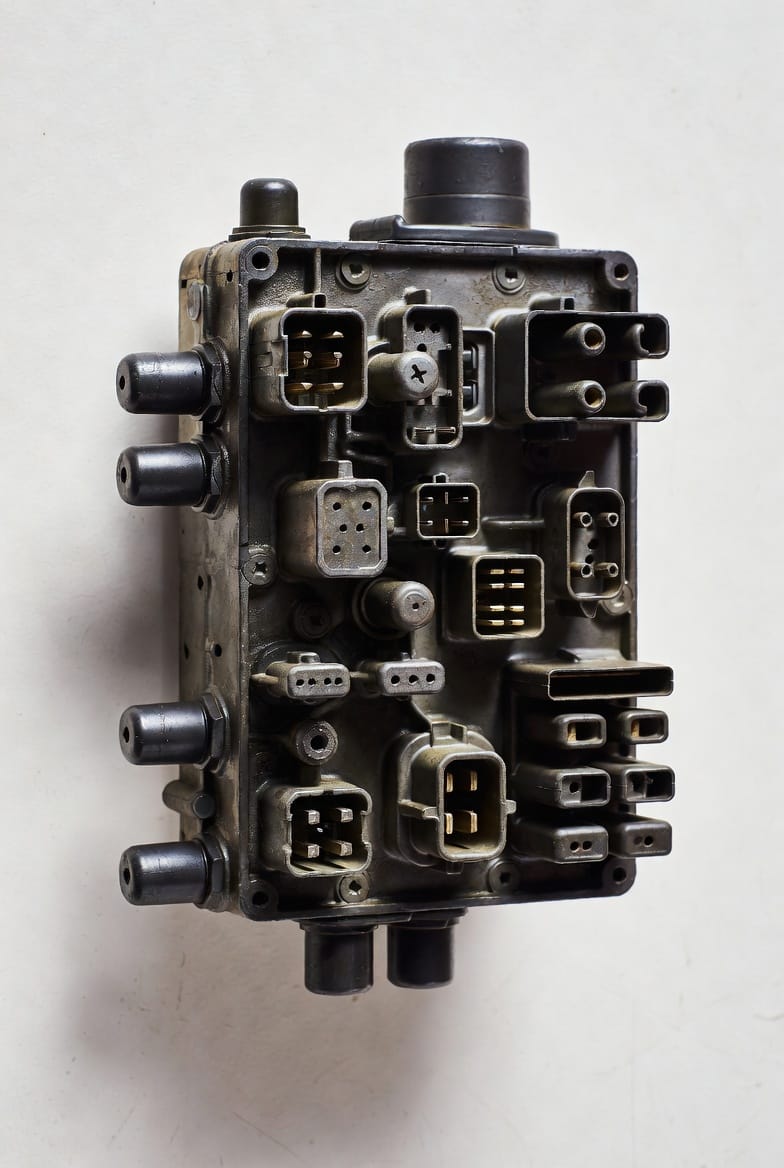
Mastering the Art of Connector Identification
In the high-stakes world of electronics repair and prototyping, few things are as frustrating as staring at a 10-pin header on a PCB and having no idea what its part number is. Whether you are reverse-engineering a legacy system, repairing a consumer device, or sourcing components for a new design, identifying a connector without a datasheet requires a systematic, forensic approach. This article outlines the exact methodology used by professionals to identify even the most obscure electronic interconnects, ensuring electrical compatibility and mechanical reliability.
1. The Foundation: Precise Pitch Measurement
The "pitch" is the center-to-center distance between two adjacent contacts. This is the single most important metric in identification. Relying on a standard ruler is insufficient; using a high-quality digital caliper is essential. Common pitches include 2.54mm (0.1 inch), 2.0mm, 1.25mm, and the increasingly popular 1.0mm and 0.5mm for FFC/FPC connectors.
A professional technique to minimize measurement error is to measure across several pins and divide by the number of gaps. For example, if you measure from the center of pin 1 to the center of pin 6 and get 12.7mm, divide by 5 gaps to confirm a 2.54mm pitch. This compensates for slight hand-steadiness issues and provides a much more accurate average.
2. Analyzing Housing Geometry and Locking Mechanisms
Connectors are designed to be "fool-proof," a concept known in manufacturing as Poka-Yoke. Look for physical features that prevent incorrect insertion. These features are often unique to specific connector families:
- Friction Locks: These are small bumps on the header that click into a corresponding cutout on the housing. They provide tactile feedback during mating.
- Polarization Pegs: These plastic posts on the bottom of a PCB header ensure it cannot be soldered in backward. Their position relative to pin 1 is a major clue for identification.
- Shrouding: Is the header "boxed" (shrouded) or just open pins? A shrouded header protects the pins from bending and usually dictates a specific mating orientation.
3. Terminal and Contact Design Analysis
Examine the pins themselves under magnification. Are they square, round, or flat blades? Square pins (like the classic 0.64mm square post) are standard in many wire-to-board applications, while flat blades are typical for high-current automotive or power connectors. If you are looking at the female side, observe the terminal design inside—is it a leaf spring, a "tuning fork," or a box contact? The internal structure often points directly to a manufacturer’s patented design.
4. Identifying the Manufacturer by Logo and Markings
Often, a tiny logo or series of alphanumeric characters is molded into the plastic housing. Familiarize yourself with the marks of major industry leaders. You might find a stylized "M" for Molex, the "HRS" logo for Hirose, or the "JST" mark for Japan Solderless Terminal. Finding a logo narrows your search from millions of generic parts to a specific manufacturer’s catalog, where you can then filter by pitch and pin count.
Case Study: JST-PH vs. Molex PicoBlade
A common mistake is confusing a 2.0mm pitch JST-PH with a 1.25mm Molex PicoBlade because they appear similar in macro photography. By strictly measuring the pitch, you immediately eliminate the possibility of error. A JST-PH has a 2.0mm pitch and "tuning fork" style terminals, whereas the PicoBlade is significantly smaller and uses a "friction lock" on the top of the housing. Mastering these subtle differences prevents costly re-orders and project delays.