Connector Repair: De-Pinning and Re-Pinning Techniques
A damaged pin doesn't mean a dead device. We guide you through the techniques of connector repair, showing how to remove terminals without destroying the plastic housing.
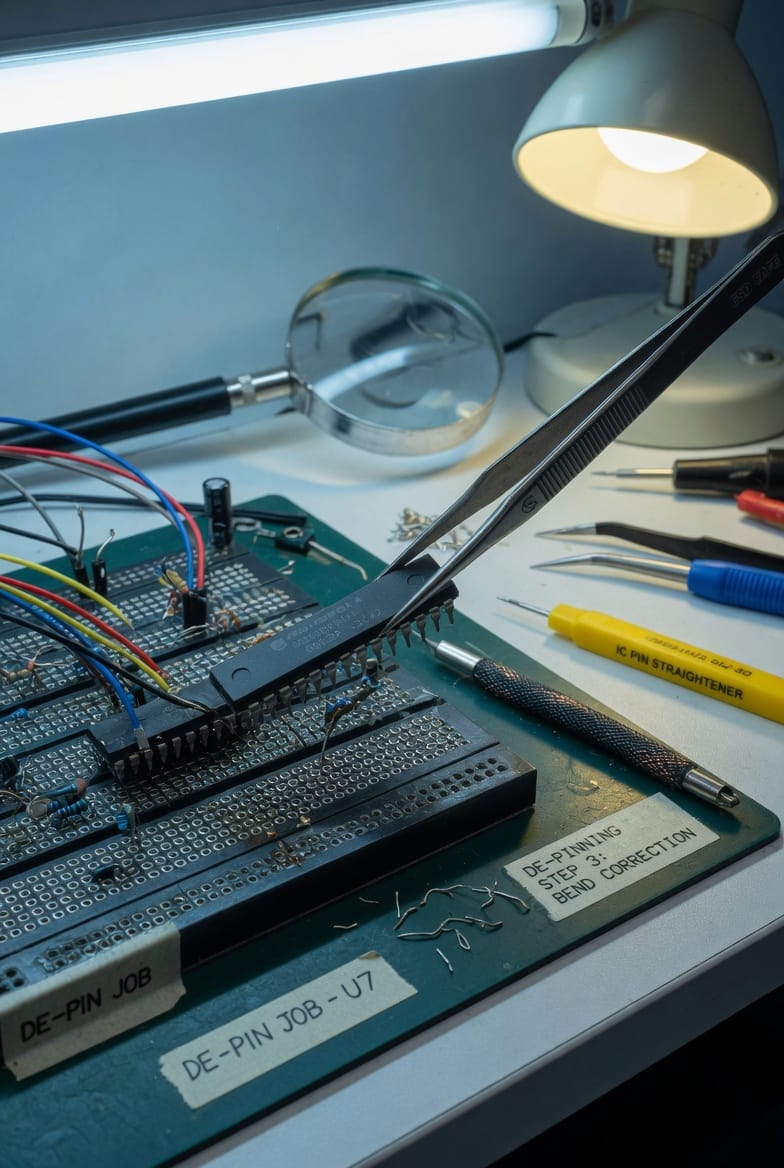
The Art of Precision Repair: De-Pinning Connectors
When a single wire breaks or a pin is bent in a multi-pin connector, the instinct is often to replace the entire assembly. However, in automotive and aerospace harnesses, this is often impossible or prohibitively expensive. Mastering de-pinning—the process of extracting a single terminal from a housing—is a vital skill for any electronics technician or engineer.
1. Understanding Extraction Tools
Every connector family has a specific extraction tool. These are often thin, specialized "needles" or "forks" designed to depress the tiny plastic or metal "tang" (locking tab) that holds the terminal in place.
- The Technique: You must gently push the wire into the connector first to relieve the pressure on the tang, then insert the tool to depress the lock, and finally slide the wire out from the back.
- Common Mistake: Never pull a wire with force if it is stuck. You will rip the terminal out of the plastic, "gutting" the connector and making it impossible to seat a new pin.
2. Inspecting the Housing "Catch"
Once a pin is removed, inspect the internal plastic "catch." If the plastic is white or stressed, the housing may no longer be able to hold a pin securely. When re-pinning, you should hear a distinct "click." Always perform a "pull-test" by gently tugging the wire to ensure the locking tang has properly re-engaged.